
Google's multimodal AI assistant for text, image and code.
Gemini is Google DeepMind's flagship multimodal model, deeply integrated with Search, Workspace and Android. It handles long context, reasoning, code and vision in one interface.
Detailed overview
What it is
Gemini is Google DeepMind's flagship conversational artificial intelligence assistant. It functions as both a consumer-facing virtual agent and an underlying model family that developers can access via API for custom applications. The system is designed to provide immediate digital assistance, operating either as a dedicated standalone interface or as an embedded utility within other services to streamline daily workflows.
The platform's primary design philosophy centers on reducing user friction. Rather than forcing users to manage multiple third-party accounts, Google places this system directly within the interfaces where users already perform their daily writing, communications, and system navigation. This approach aims to democratize access to advanced artificial intelligence by embedding conversational utilities directly into the standard internet and operating system tools that millions of people navigate on a daily basis. By offering deep integration across daily applications, the technology works to assist both general consumers seeking quick guidance and enterprise professionals handling sophisticated projects.
How it works
The platform operates by receiving diverse inputs in a conversational format and translating them into prompt instructions. It utilizes Google's search infrastructure for live queries when necessary, and leverages its internal transformer-based models to generate cohesive, targeted outputs. Users interact with a conversational agent that adapts to conversational history to deliver tailored written, technical, or analytical insights. This unified setup processes requests contextually, allowing the system to reference previous statements within the active session to build more accurate and useful responses over time. The backend system coordinates these processes dynamically, routing queries to optimized model variants based on the complexity of the prompt and the specific task requested by the user.
Main features
- Multimodal input handling covering text, images, audio, and video files
- Extremely large context window built to retain massive documents and entire codebases
- Native Workspace integration allowing direct drafting inside Google Docs, Sheets, and Gmail
- Deep Research mode for multi-step autonomous information browsing and synthesis
- Built-in coding workspace designed for direct real-time code execution, testing, and debugging
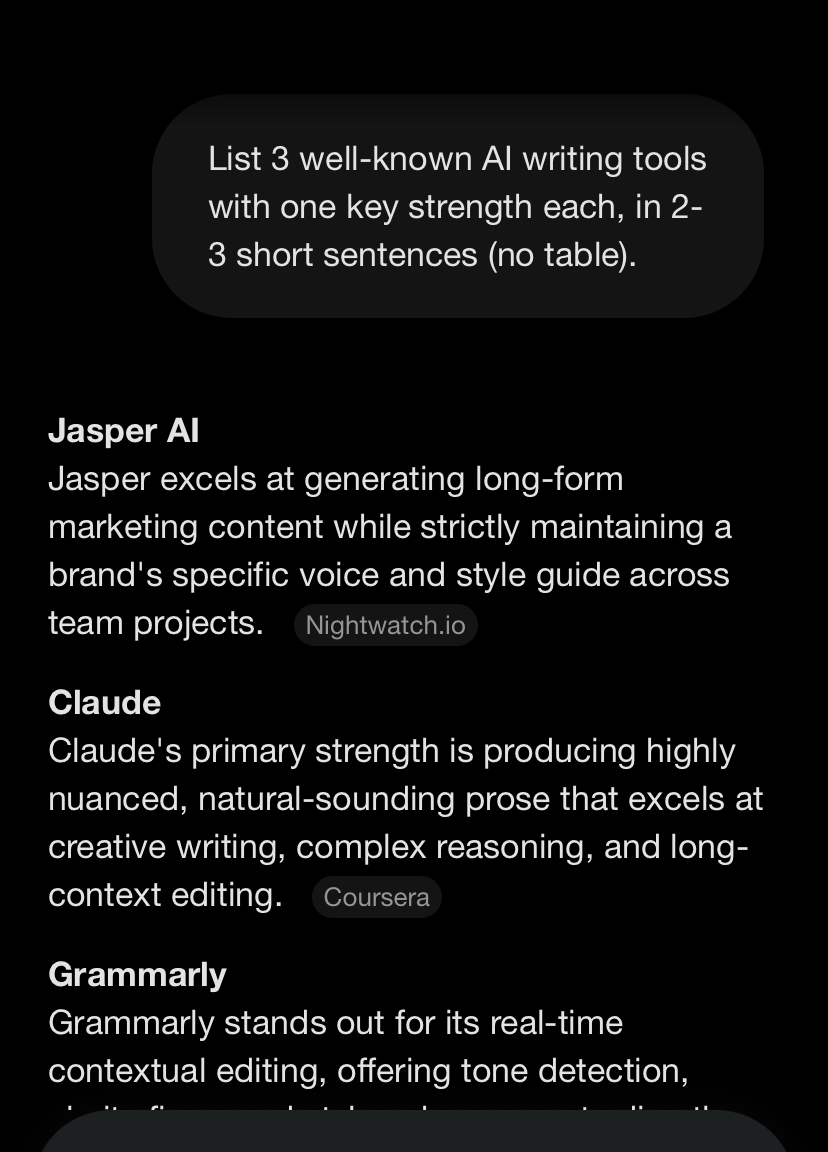
See it in action
Pricing
Pricing model: Freemium
Google offers a free tier of Gemini that includes core conversational capabilities, basic document summarization, and email drafting. For advanced capabilities, a paid consumer subscription is available that provides access to more sophisticated models, higher usage limits, and deeper access within Google's productivity application suite. For businesses and enterprises, pricing is structured through Google Workspace plans billed on a per-user, monthly basis. Teams already paying for Workspace may find this a highly cost-effective upgrade route. Because Google frequently updates its model tiers, feature sets, and bundling options, users should consult the official website to verify current pricing details and regional availability.
Plans and prices change often. Always confirm the current terms on the official Gemini website.
Pros
- Seamless accessibility natively built into the Android operating system
- Accessible entry point requiring no financial commitment for standard research and writing tasks
- Efficiency in digesting entire multi-page files without requiring manual text segmentation
- High proficiency in logical reasoning and software development benchmark tests
Cons
- Susceptibility to producing confidently incorrect factual answers that require verification
- Tendency to generate overly long, wordy answers when conciseness is preferred
- Varying geographical availability and account-type limitations worldwide
- Frequent adjustments to tier names and features causing product confusion
Our Take: Is Gemini Worth Using in 2026?
Independent editorial analysis by AI Vision Hub, based on Gemini's publicly available documentation and pricing information. This is our opinion, not a lab test — see how we evaluate AI tools.
Best for / Not for
This assistant is highly suited for users who prioritize working within a unified search and operating ecosystem. It is an excellent match for individuals who want their assistant to be present exactly where they already compose emails, write documents, and manage files, rather than requiring them to copy and paste content into a separate browser tab. Selecting this option yields the greatest benefit when your primary workflows already run through Google's cloud applications, as the tool functions best when interacting directly with your existing files and correspondence. Conversely, it is not recommended for teams operating exclusively outside of these environments, or those who prefer highly focused, single-purpose web platforms. Those seeking mature third-party plugin ecosystems or specialized developer customization pathways may prefer to choose alternative options like ChatGPT or Claude, which maintain different interface setups. If you do not actively use these core productivity suites, the primary advantages of this system are lost, making standalone alternatives highly attractive options for standard writing and analytical tasks.
Final verdict
Gemini serves as a highly practical assistant that simplifies workflows by reducing the friction of switching applications. While it may not suit every conversational preference, it is a compelling, ecosystem-connected option that is easy to adopt. It provides a reliable starting point for users who want utility directly within their pre-existing setups.
Alternatives to Gemini



Related AI guides
Hands-on reading that puts Gemini in context alongside similar tools.
Frequently asked questions
- Is Gemini free?
- Gemini offers a free tier with limits, plus paid plans for heavier use.
- What is Gemini best used for?
- Google's multimodal AI assistant for text, image and code.
- What are the best alternatives to Gemini?
- Consider ChatGPT, Claude, Grammarly, Perplexity AI. You can compare every option in the AI tools directory.
- How was this listing put together?
- Compiled by hand from Gemini's public website and documentation . Information can change; check the provider's official site for the latest pricing and availability. It is not a paid placement — see our affiliate disclosure. Spotted something out of date? Tell us.
User reviews
No user reviews yet — we don't publish placeholder or generated ratings.